

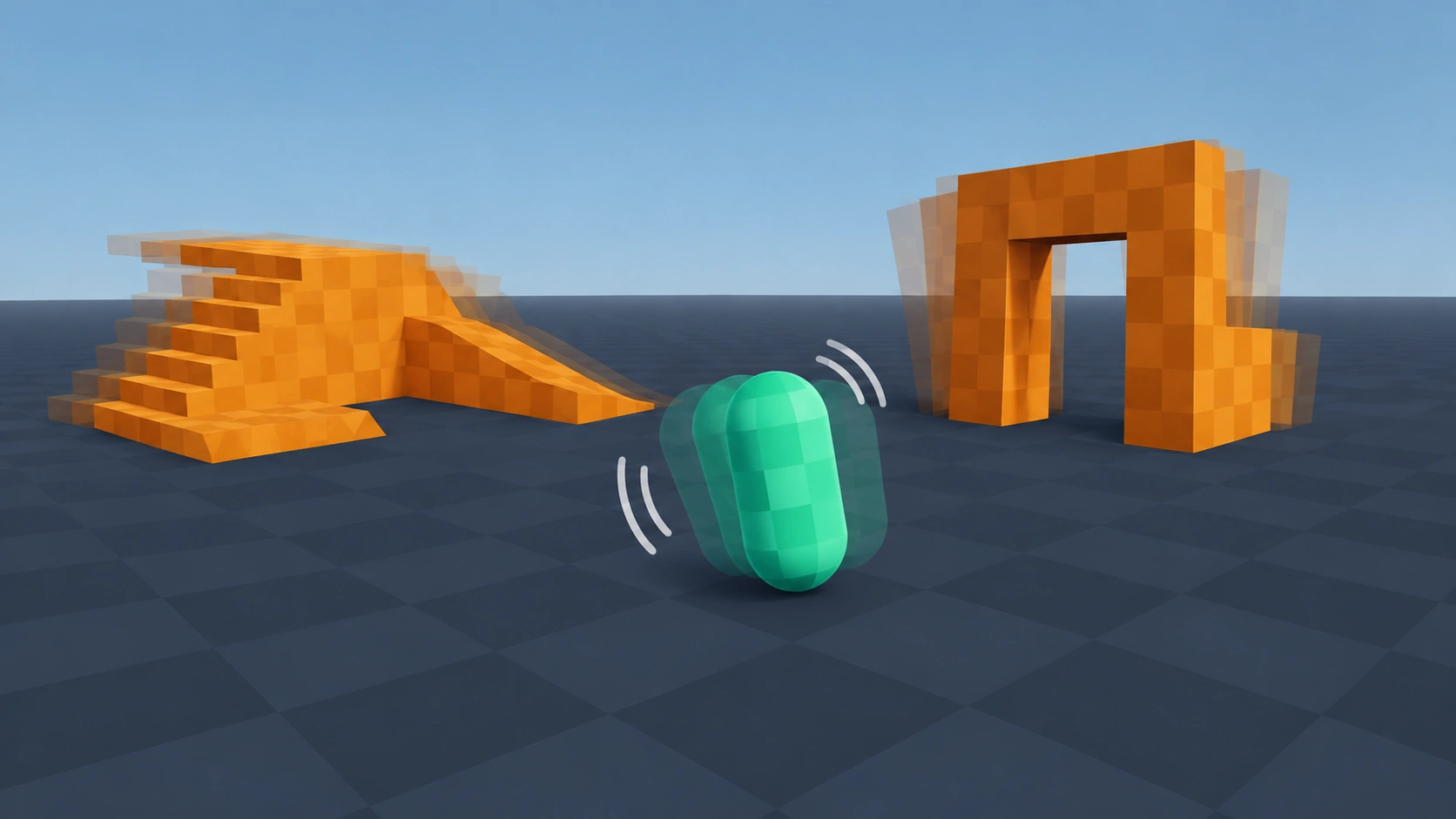
Screen Shake
Type: 3DShakes a Camera3D when you call shake(). Repeated hits stack up and the shake fades out on its own.
Setup
- Save the script as screen_shake.gd.
- Add a Node as a direct child of your Camera3D and attach the script.
- Call shake() from anywhere that should rattle the screen: explosions, hits, landings.
- Tune Max Offset and Decay in the Inspector until it feels right.
Code
GDScript
class_name ScreenShake
extends Node
## Shakes the parent Camera3D. Call shake() to add trauma; it fades out by itself.

## Furthest the view can shift at full trauma: x is sideways, y is up and down.
@export var max_offset: Vector2 = Vector2(0.3, 0.2)
## Trauma lost per second.
@export var decay: float = 1.5

var trauma: float = 0.0

@onready var camera: Camera3D = get_parent() as Camera3D


func _process(delta: float) -> void:
	if trauma <= 0.0:
		return
	trauma = maxf(trauma - decay * delta, 0.0)
	var strength := trauma * trauma
	camera.h_offset = max_offset.x * strength * randf_range(-1.0, 1.0)
	camera.v_offset = max_offset.y * strength * randf_range(-1.0, 1.0)


## amount is between 0 and 1. Small hits: 0.2. Big explosions: 0.8.
func shake(amount: float = 0.5) -> void:
	trauma = minf(trauma + amount, 1.0)
Usage example
GDScript
# player.gd
@onready var screen_shake: ScreenShake = $Camera3D/ScreenShake


func _on_hurtbox_hit(_damage: int) -> void:
	screen_shake.shake(0.4)