

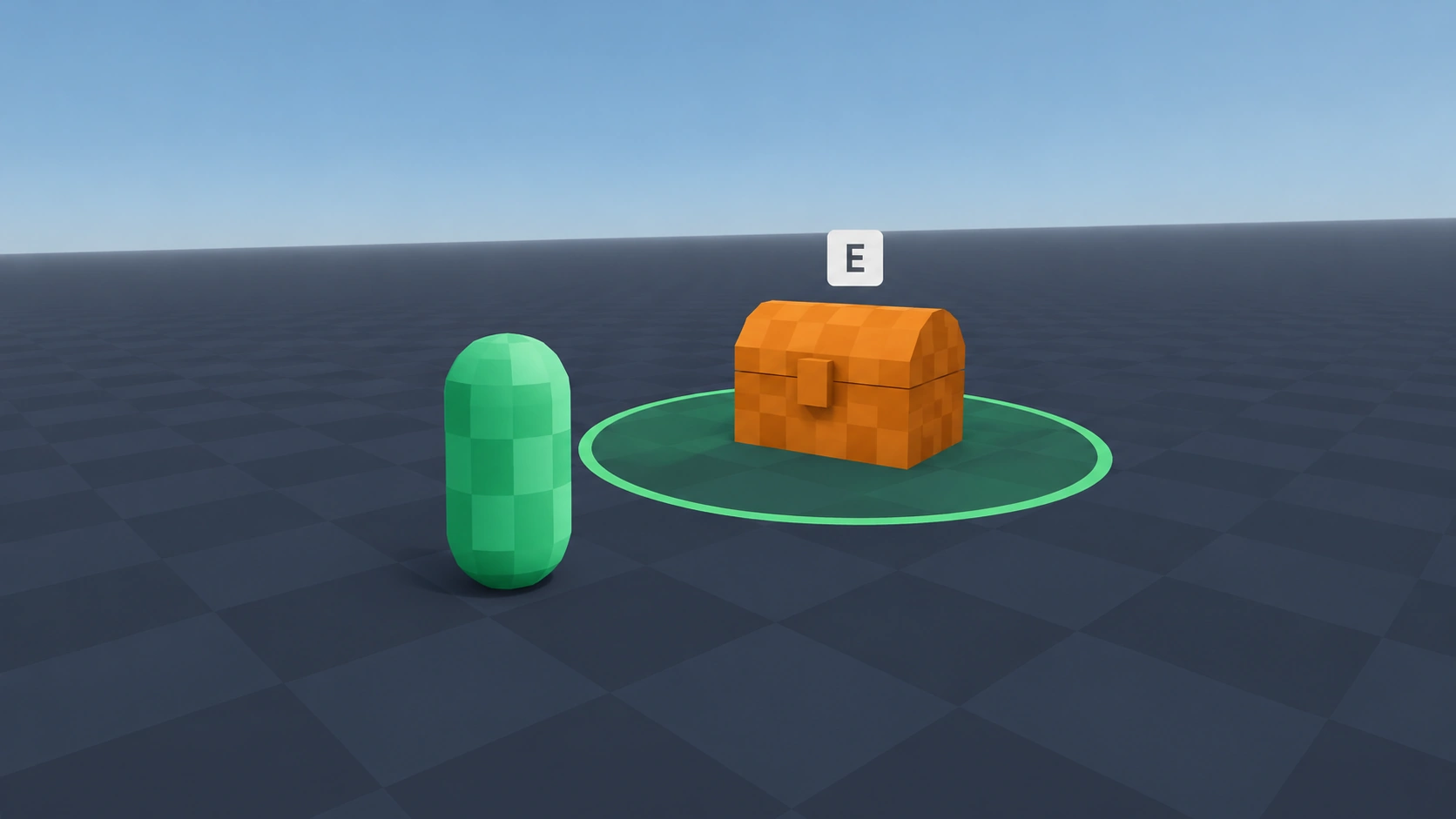
Interaction Area
Type: 3DLets the player interact with something by pressing a key while standing next to it. Works for chests, doors, signs and NPCs.
Setup
- Save the script as interaction_area.gd.
- In Project Settings > Input Map, add an action called interact and bind a key to it.
- Add your player to a group called player.
- Add an Area3D to the chest, door or NPC, attach the script and give it a CollisionShape3D.
- Set the Collision Mask of the area to the layer your player body is on.
- Connect the interacted signal to what should happen.
Code
GDScript
class_name InteractionArea
extends Area3D
## Emits interacted when the player presses the interact key inside the area.

signal interacted

@export var action_name: StringName = &"interact"

var _player_inside: bool = false


func _ready() -> void:
	body_entered.connect(_on_body_entered)
	body_exited.connect(_on_body_exited)


func _unhandled_input(event: InputEvent) -> void:
	if _player_inside and event.is_action_pressed(action_name):
		interacted.emit()
		get_viewport().set_input_as_handled()


func _on_body_entered(body: Node3D) -> void:
	if body.is_in_group("player"):
		_player_inside = true


func _on_body_exited(body: Node3D) -> void:
	if body.is_in_group("player"):
		_player_inside = false
Usage example
GDScript
# chest.gd
func _ready() -> void:
	$InteractionArea.interacted.connect(open)


func open() -> void:
	$AnimationPlayer.play("open")