

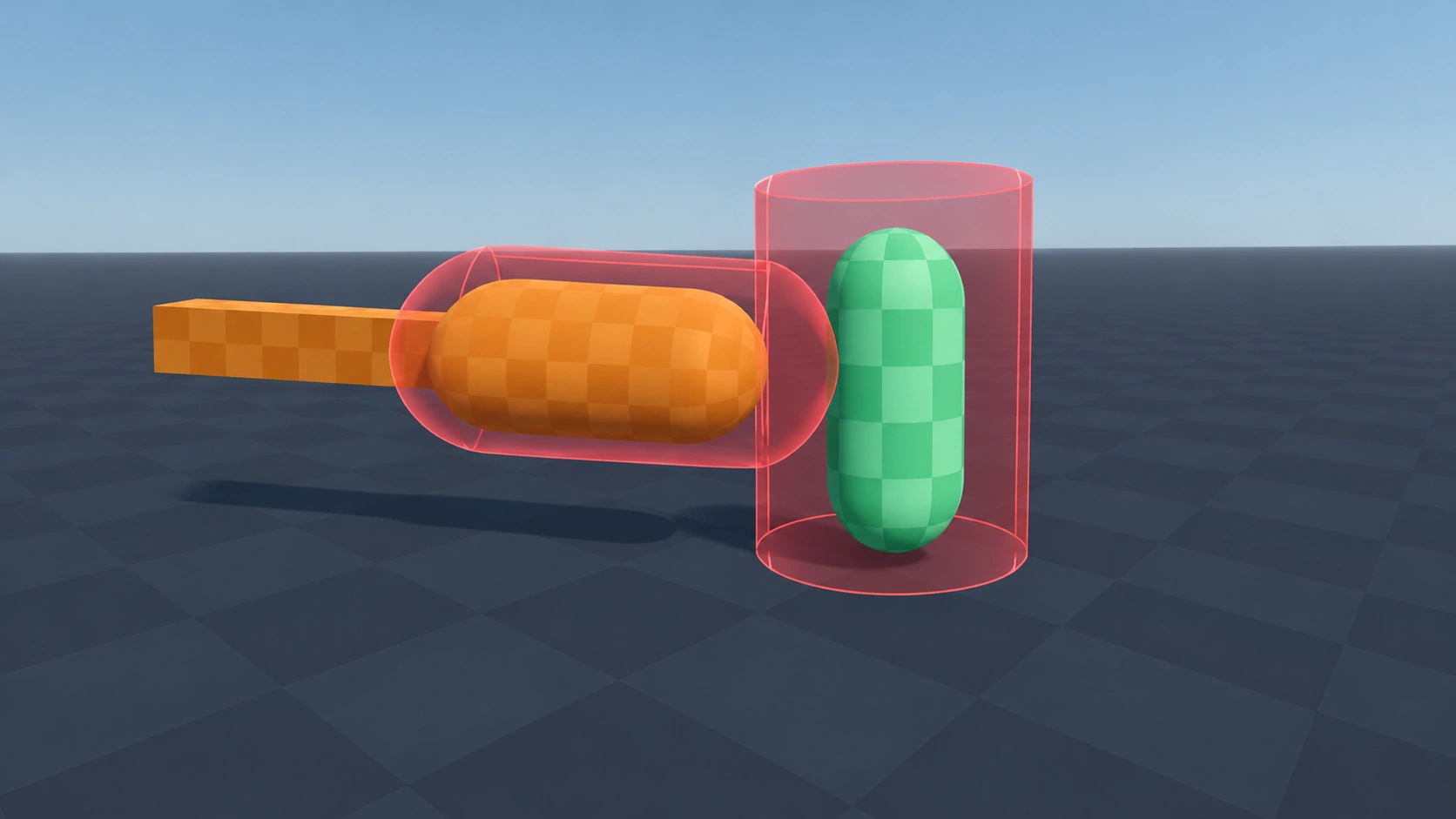
Hitbox
Type: 3DAn Area3D that detects when it touches a Hurtbox and reports the hit to it. Put it on weapons, bullets and enemy attacks.
Setup
- Add the Hurtbox component to your project first. Hitbox needs it.
- Save the script as hitbox.gd.
- Add an Area3D to your weapon or bullet, attach the script and give it a CollisionShape3D.
- Set the Collision Mask of the Hitbox to the layer your Hurtboxes are on.
- Set Damage in the Inspector. It is passed along with each hit; what happens with it is up to whatever listens to the Hurtbox.
Code
GDScript
class_name Hitbox
extends Area3D
## Reports a hit to any Hurtbox it overlaps.

## Passed to the Hurtbox with each hit.
@export var damage: int = 10


func _ready() -> void:
	area_entered.connect(_on_area_entered)


func _on_area_entered(area: Area3D) -> void:
	var hurtbox := area as Hurtbox
	if hurtbox:
		hurtbox.take_hit(damage)
Usage example
GDScript
# sword.gd
# Only register hits while the swing animation is playing.
@onready var hitbox: Hitbox = $Hitbox


func start_swing() -> void:
	hitbox.monitoring = true


func end_swing() -> void:
	hitbox.monitoring = false