

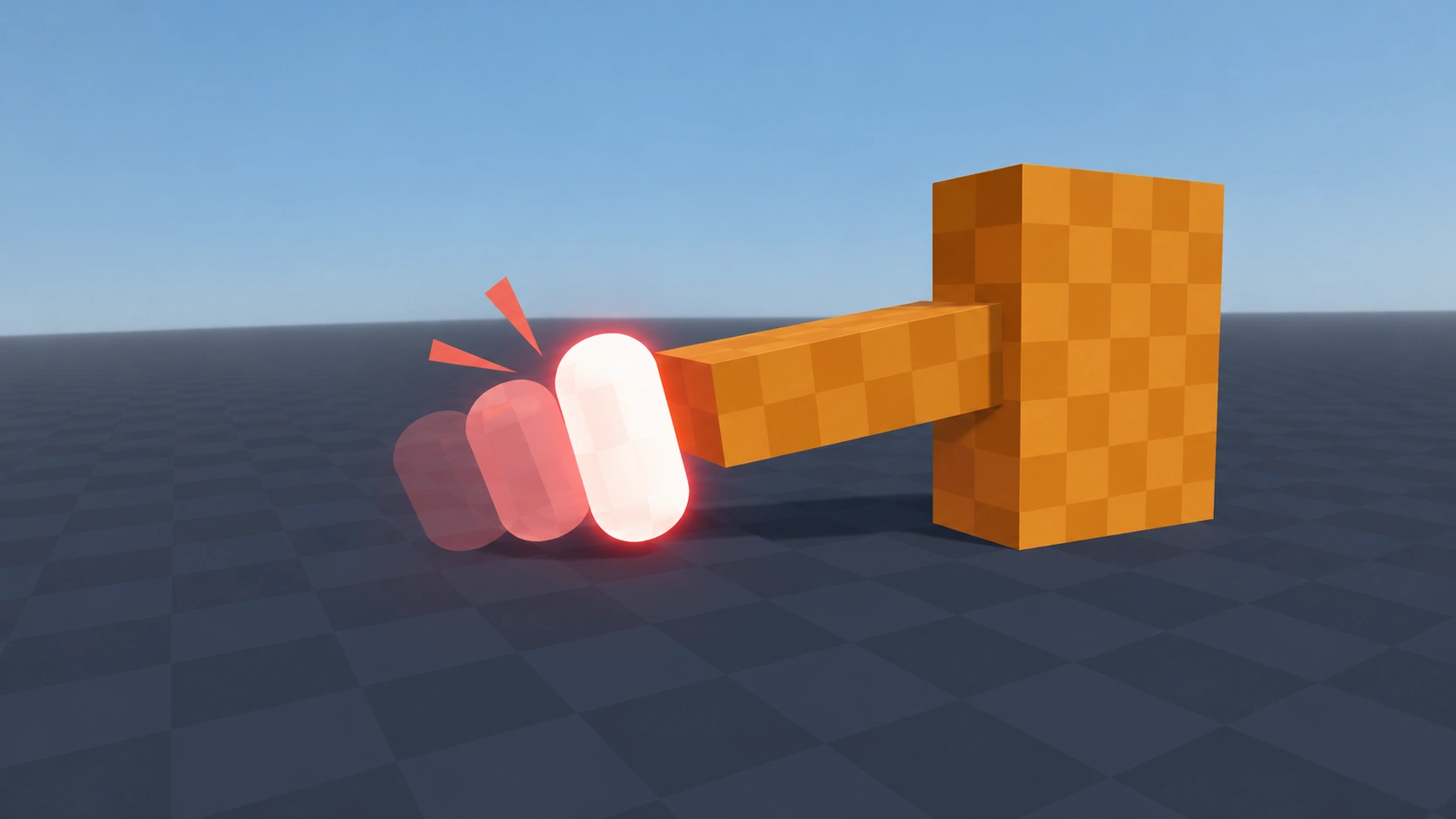
Hit Flash
Type: 3DFlashes a 3D mesh white for a split second, then fades back. Cheap, readable feedback for taking damage. No shader needed.
Setup
- Save the script as hit_flash.gd.
- Add a Node as a child of your character and attach the script.
- Drag your MeshInstance3D into the Target slot in the Inspector.
- Call flash() whenever the character takes damage.
Code
GDScript
class_name HitFlash
extends Node
## Briefly flashes a 3D mesh white, then fades back to normal.

@export var target: GeometryInstance3D
@export var flash_color: Color = Color.WHITE
@export var duration: float = 0.15

var _overlay := StandardMaterial3D.new()
var _tween: Tween


func _ready() -> void:
	# A flat, see-through material, drawn over the mesh only while it flashes.
	_overlay.shading_mode = BaseMaterial3D.SHADING_MODE_UNSHADED
	_overlay.transparency = BaseMaterial3D.TRANSPARENCY_ALPHA


func flash() -> void:
	if _tween:
		_tween.kill()
	_overlay.albedo_color = flash_color
	target.material_overlay = _overlay
	_tween = create_tween()
	_tween.tween_property(_overlay, "albedo_color:a", 0.0, duration)
	_tween.tween_callback(func() -> void: target.material_overlay = null)
Usage example
GDScript
# enemy.gd
@onready var hit_flash: HitFlash = $HitFlash


func _on_hurtbox_hit(_damage: int) -> void:
	hit_flash.flash()