

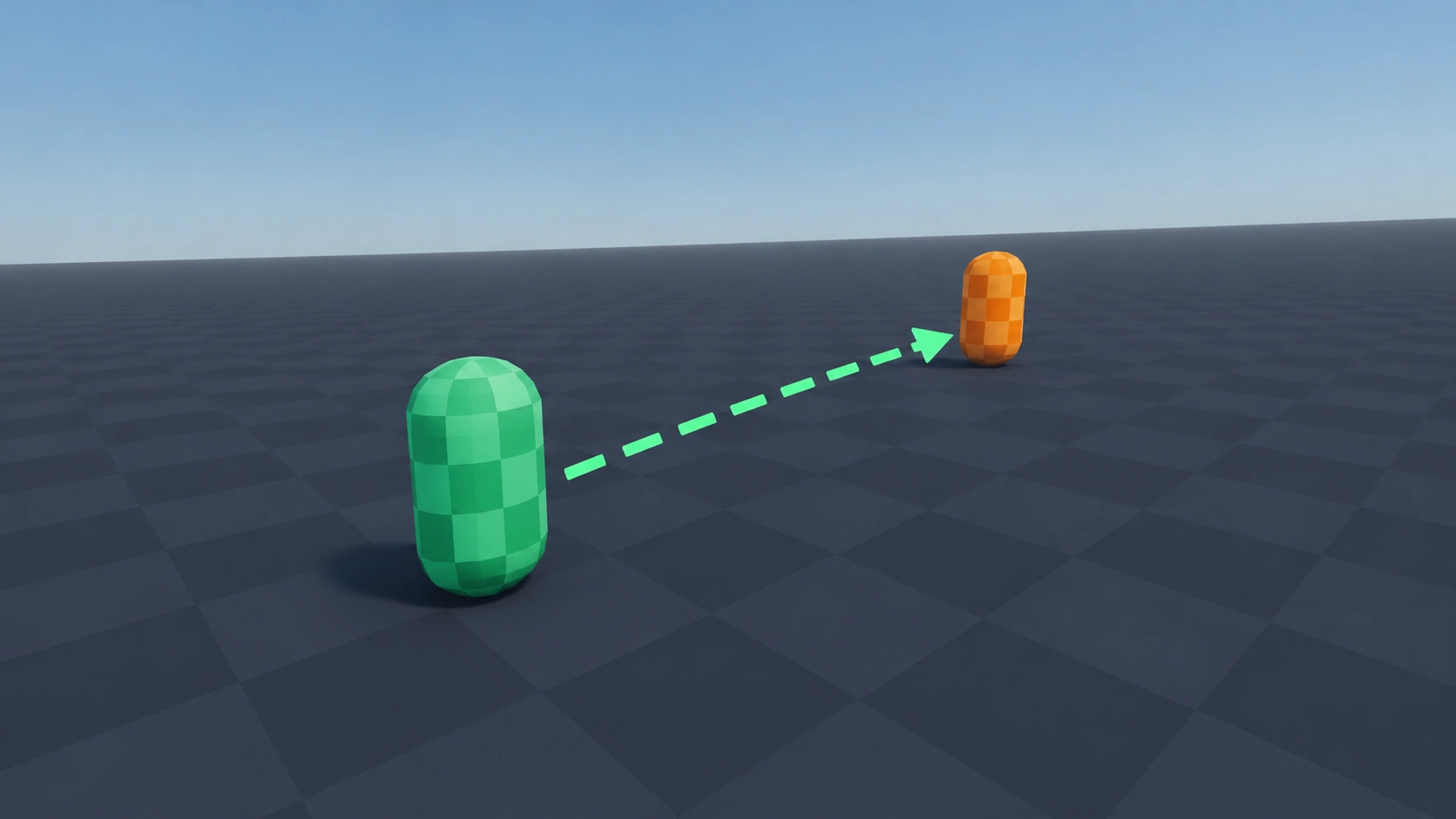
Follow Target
Type: 3DSmoothly moves its parent toward another node. Good for pets, drones, homing pickups and simple camera rigs.
Setup
- Save the script as follow_target.gd.
- Add a Node as a child of the Node3D that should move and attach the script.
- Drag the node to follow into the Target slot in the Inspector, or set target from code.
- Raise Speed for a tighter follow, lower it for a lazier one.
Code
GDScript
class_name FollowTarget
extends Node
## Smoothly moves its parent Node3D toward a target node.

@export var target: Node3D
## Higher values follow more tightly.
@export var speed: float = 5.0
## Stop moving when closer than this many metres.
@export var stop_distance: float = 0.0

@onready var body: Node3D = get_parent() as Node3D


func _process(delta: float) -> void:
	if not is_instance_valid(target):
		return
	if body.global_position.distance_to(target.global_position) <= stop_distance:
		return
	# Frame-rate independent smoothing.
	var weight := 1.0 - exp(-speed * delta)
	body.global_position = body.global_position.lerp(target.global_position, weight)
Usage example
GDScript
# pet.gd
# Start following the player as soon as the pet is spawned.
func _ready() -> void:
	$FollowTarget.target = get_tree().get_first_node_in_group("player")